Demo
Install a Salesforce Deployment Plan Template in Minutes
Are you ready to skyrocket your Salesforce CPQ data deployments with Prodly? Watch this quick step-by-step tutorial.
In this video
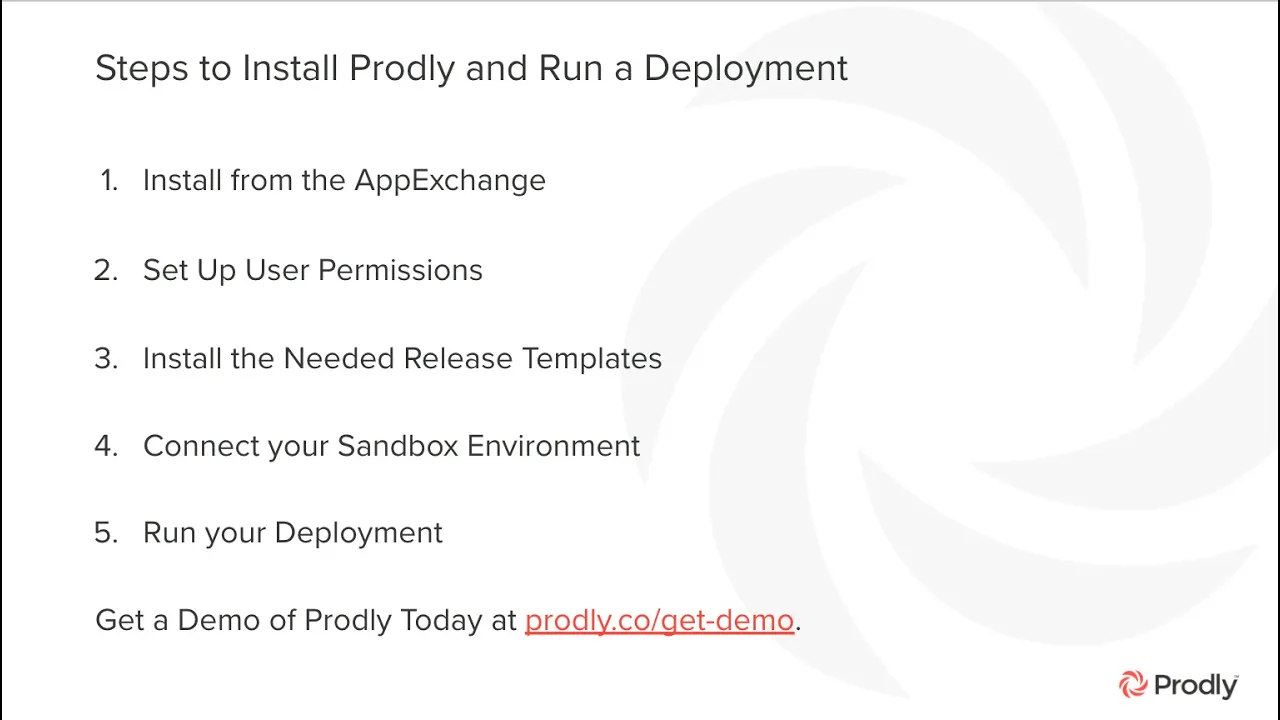
The video explains how to quickly install and run a deployment using Prodly.
After installing the Prodly app from the AppExchange, the user sets up permissions by assigning Prodly admin and user roles via Permission Sets. Prodly admins have extra privileges like managing accounts and the control org.
Next, the user installs the Salesforce CPQ release template to use the correct deployment plan. Then, they connect their sandbox environment by adding it under the environments tab with sandbox credentials. Finally, the deployment is run by selecting source and destination orgs and the deployment plan.
The process includes options to query data, pause automation, and preview deployments. The video recaps the steps: install Prodly, set permissions, install release templates, connect sandbox, and run deployment. Get a demo at Prodly.co.
Transcript

© 2026 Prodly. All rights reserved.